
Skip to product information
1 of 9

React Health

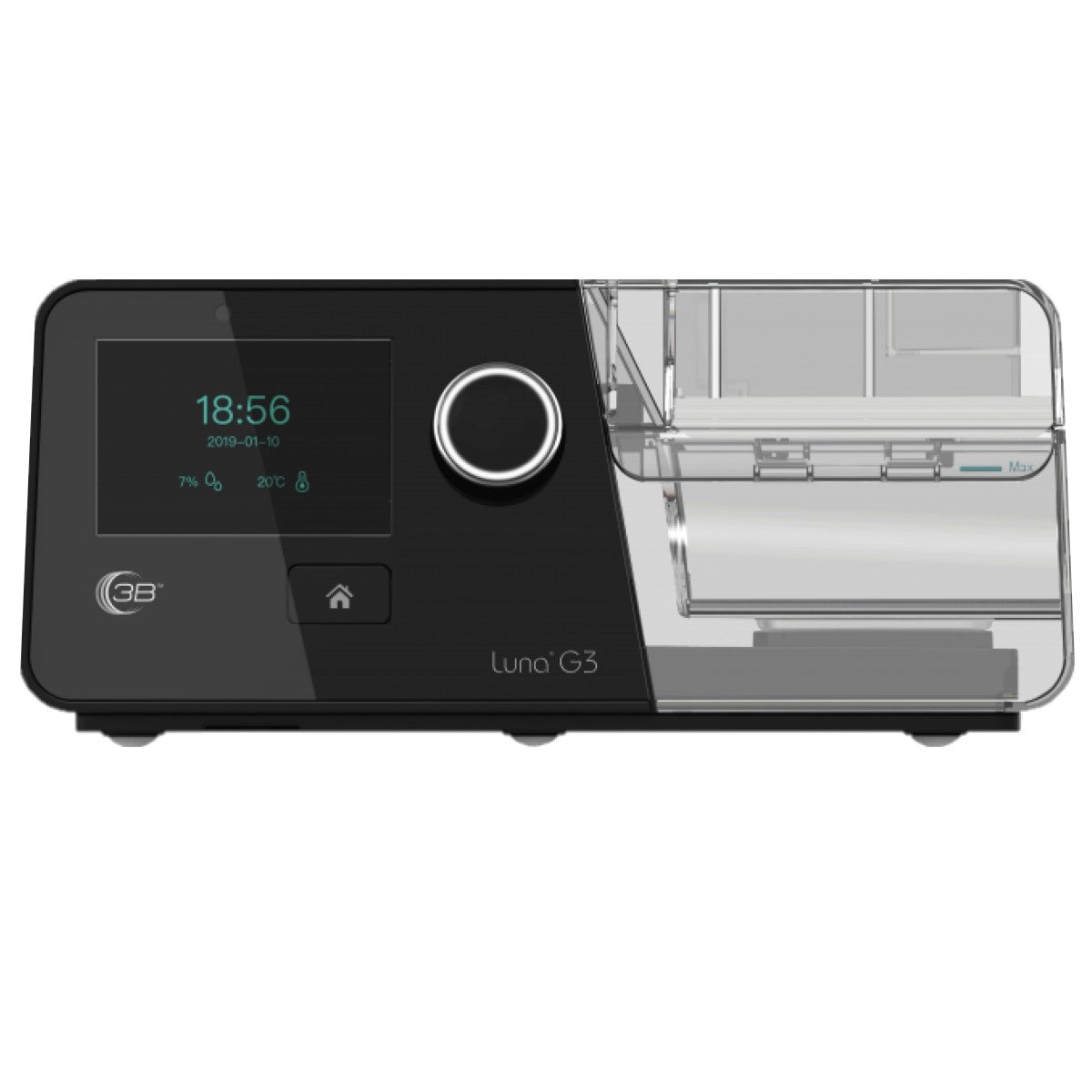
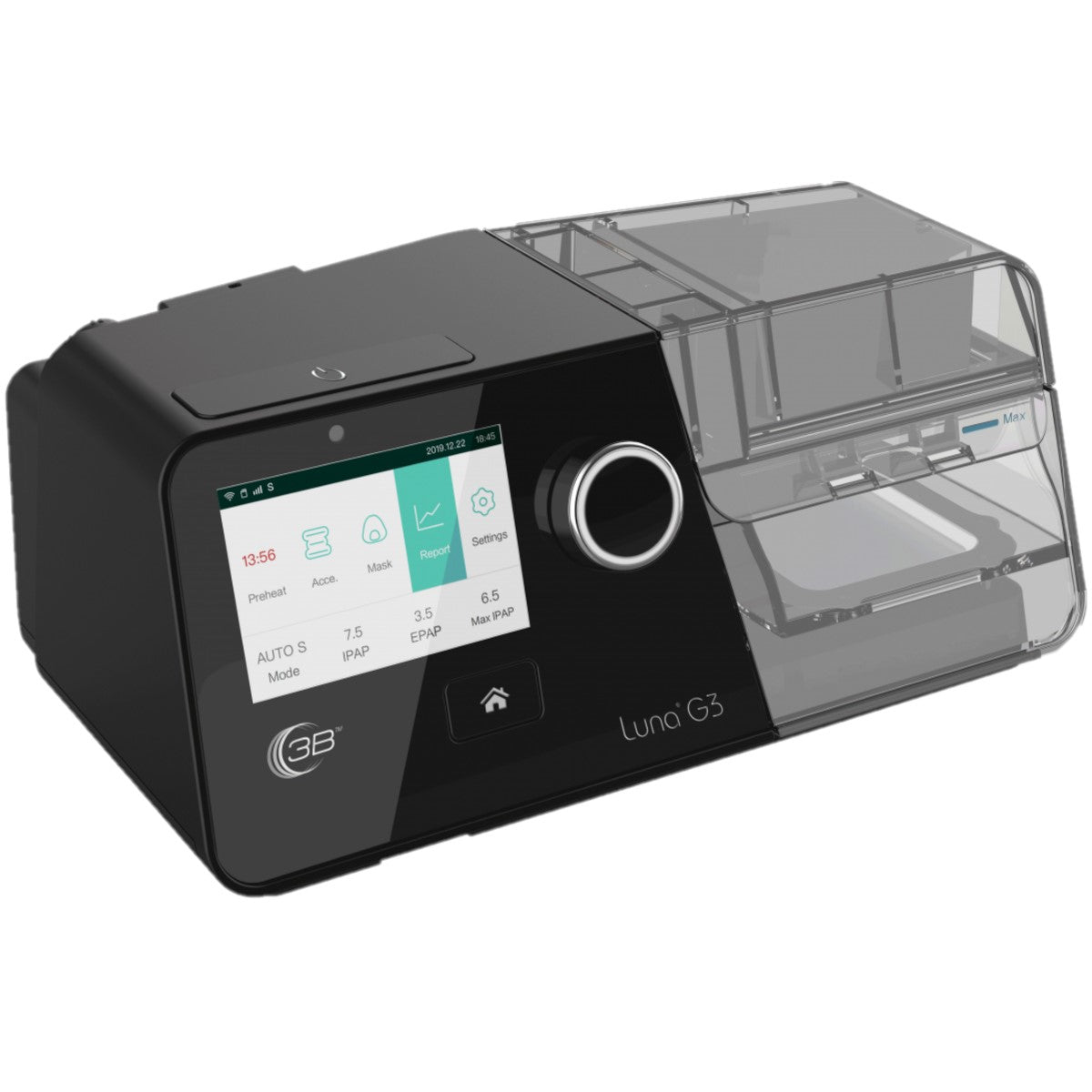
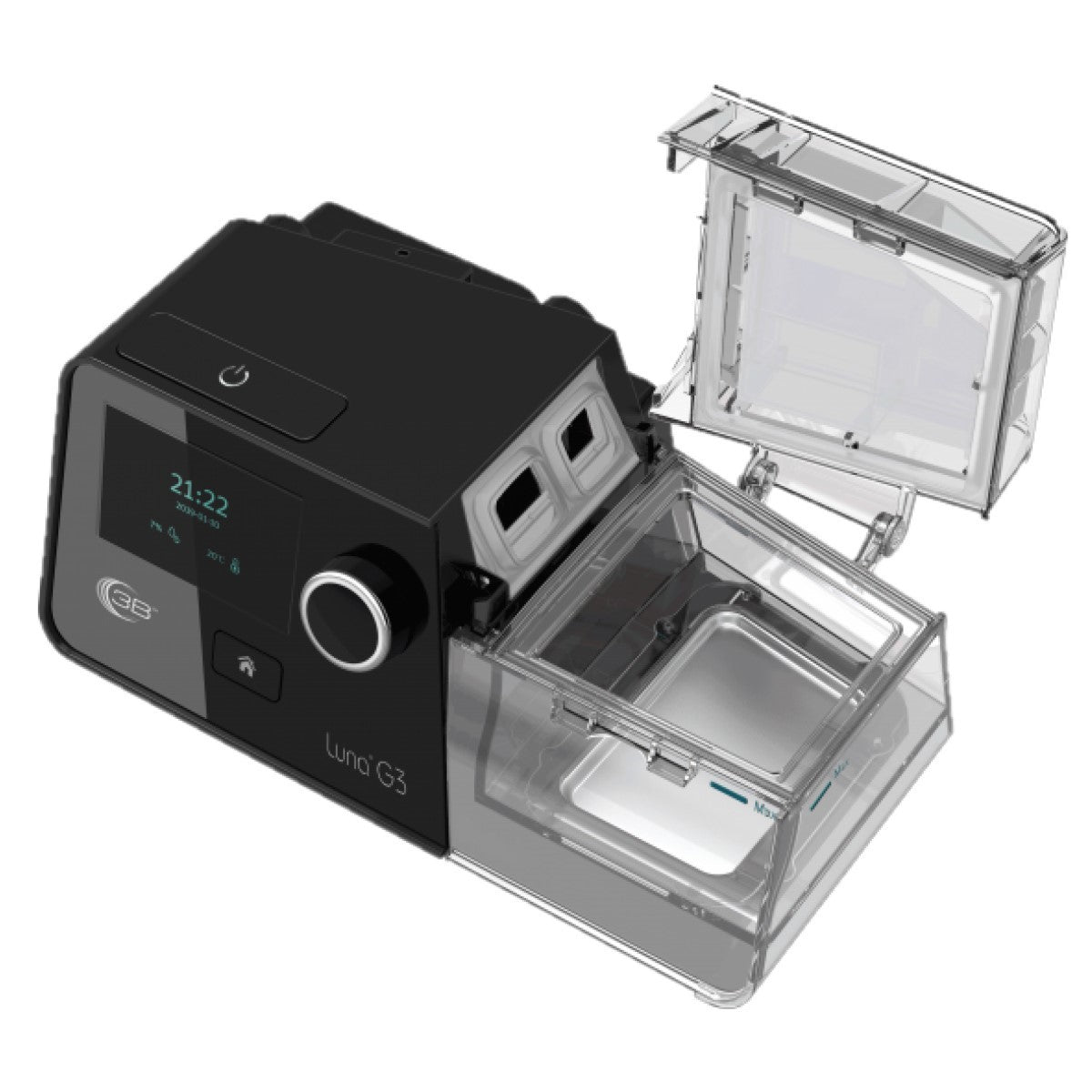
Luna G3 Auto CPAP with Heated Humidifier

Luna G3 Auto CPAP with Heated Humidifier

SKU:LG3600

Regular price $566.00 USD
Regular price $1,129.00 USD Sale price $566.00 USD
Sale Sold out
Shipping calculated at checkout.
Quantity
View full details

Luna G3 APAP with Humidifier

Copy of RX Required if Applicable to U.S. Residents

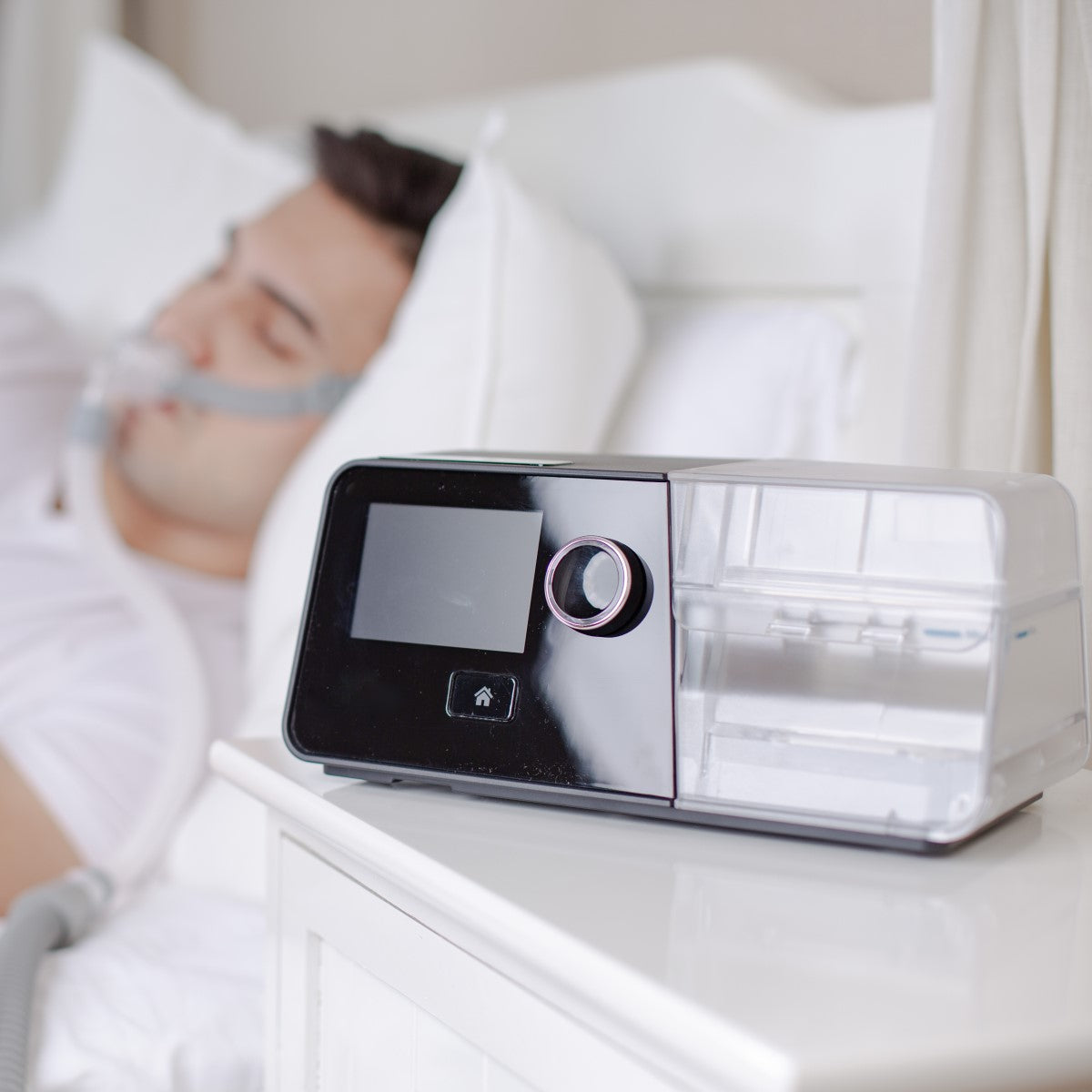
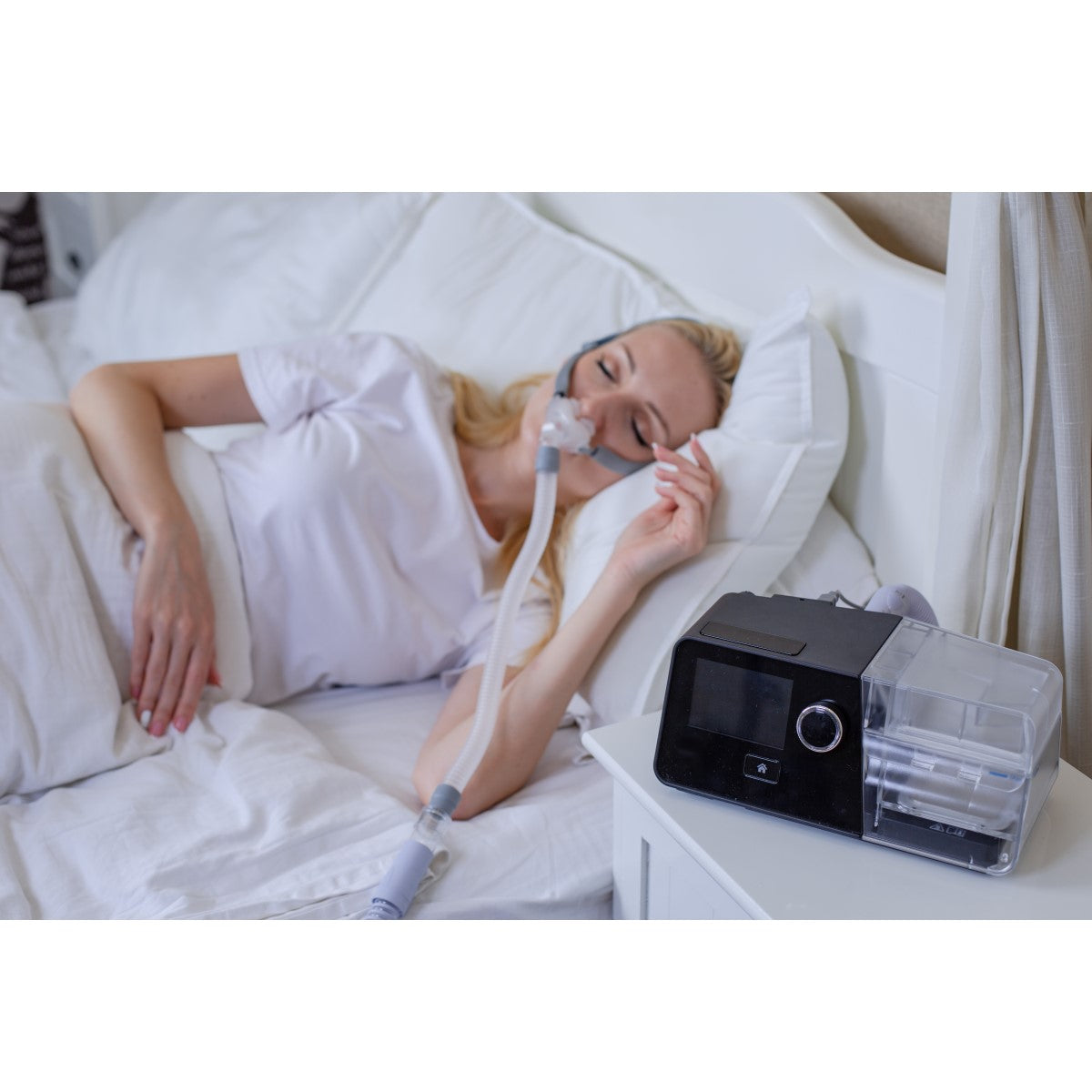
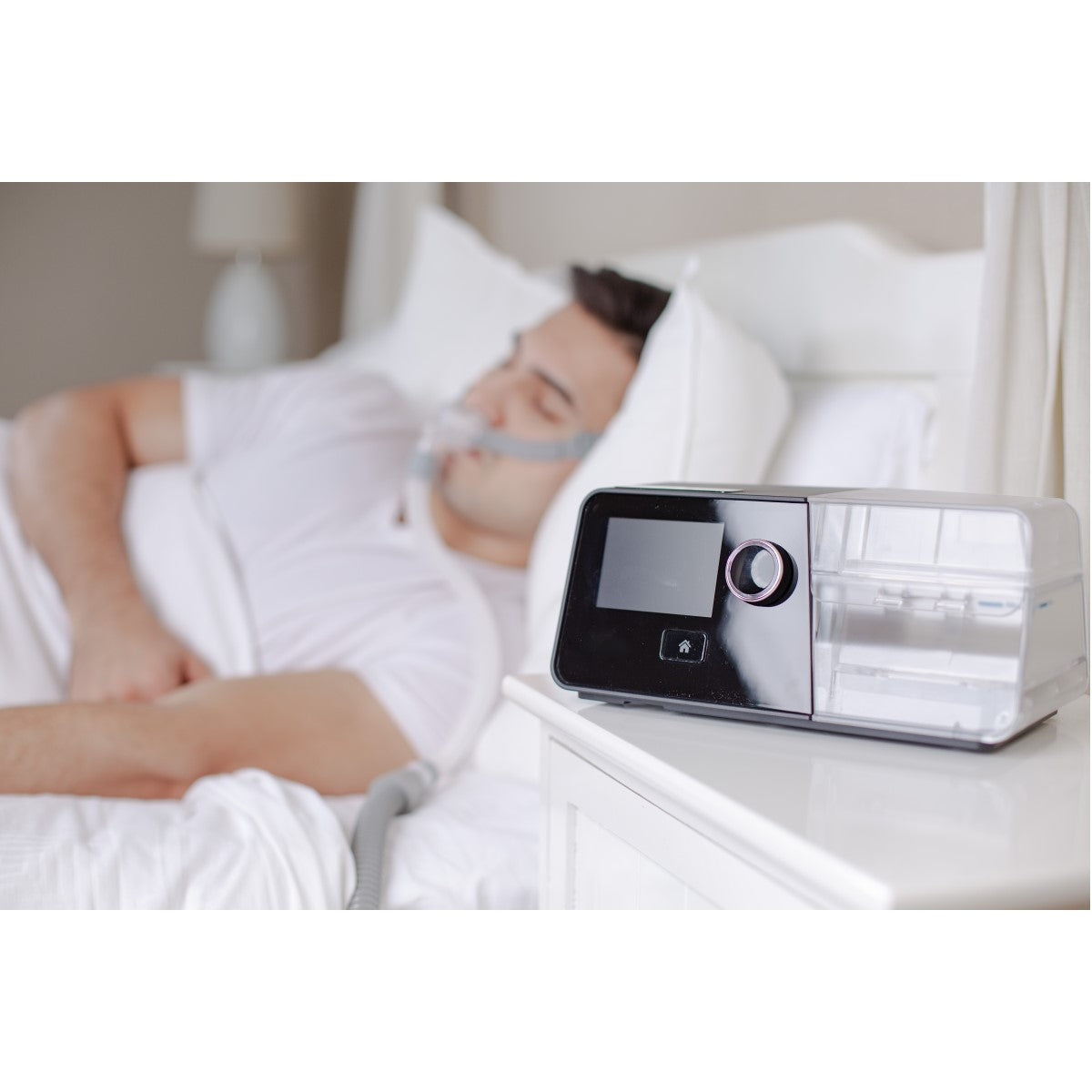
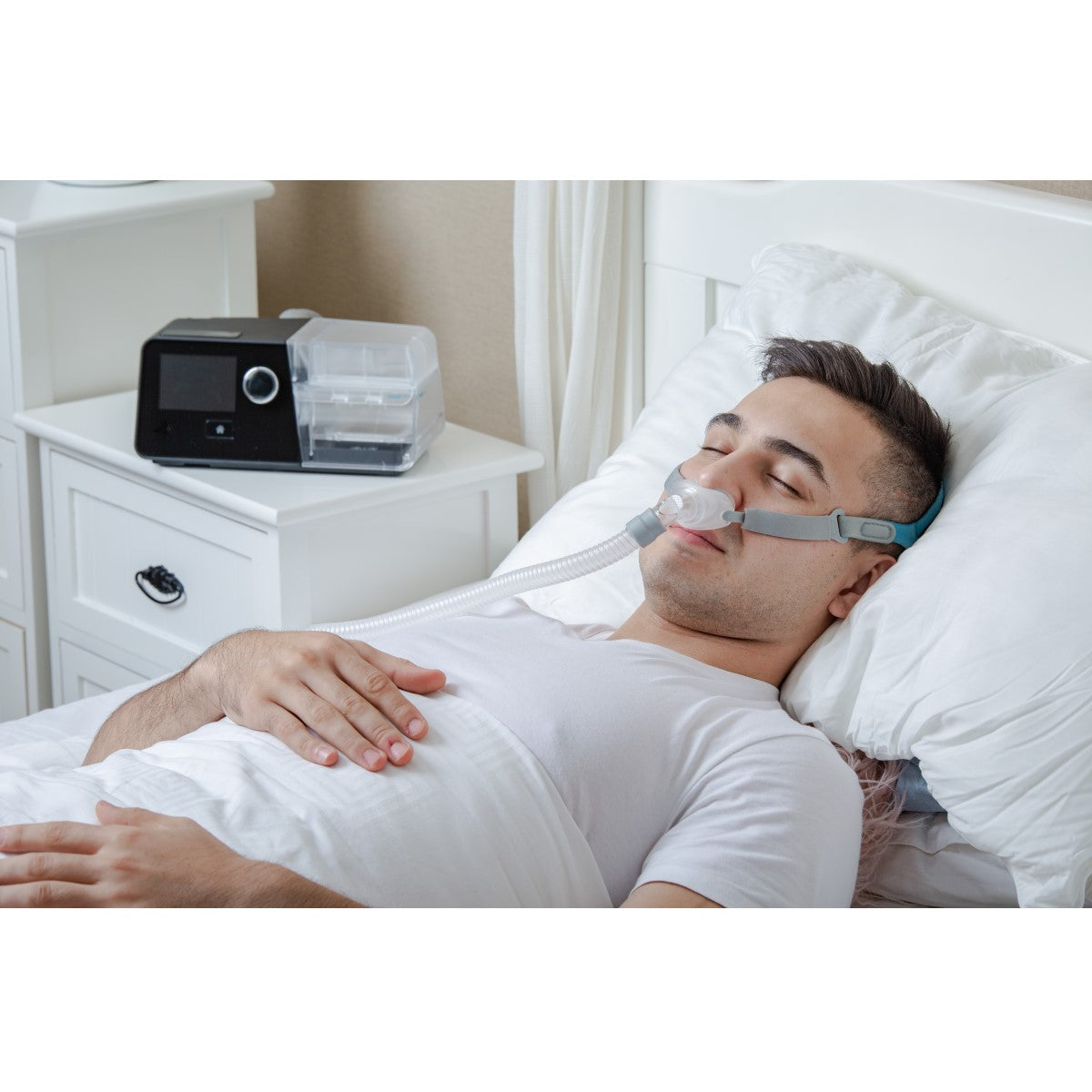
The Luna G3 Auto is designed to make CPAP therapy as simple as possible. The Luna G3 is a lightweight machine with a small footprint that may easily fit next to the bedside. The comfort features and settings reduce the possibility of a rainout. There are many greater benefits for using auto adjusting CPAP compared to a fixed pressure CPAP. The built-in algorithm determines how much pressure is needed throughout the night to eliminate apnea and snoring. This means that APAP machines are able to automatically adjust to each unique individual’s sleeping and breathing needs. The Luna G3 series is designed with several comforts and easy-to-use features making your CPAP experience easy and effective.

This G3 model DOES NOT contain a Wi-Fi feature.  The machine has a data card that can be downloaded by your provider or sleep physician to obtain reports on your usage of the machine. Having sleep reports directly on your device is also beneficial for users so they, too, can track how they are sleeping and notice any hiccups in their progress on their own. 

Features of the Luna G3 CPAP

  • Reduced footprint makes the React Health Luna G3 easy to place on small areas such as nightstands.
  • The pre-heat feature lets you warm up your humidifier water ahead of time while you get ready for bed.
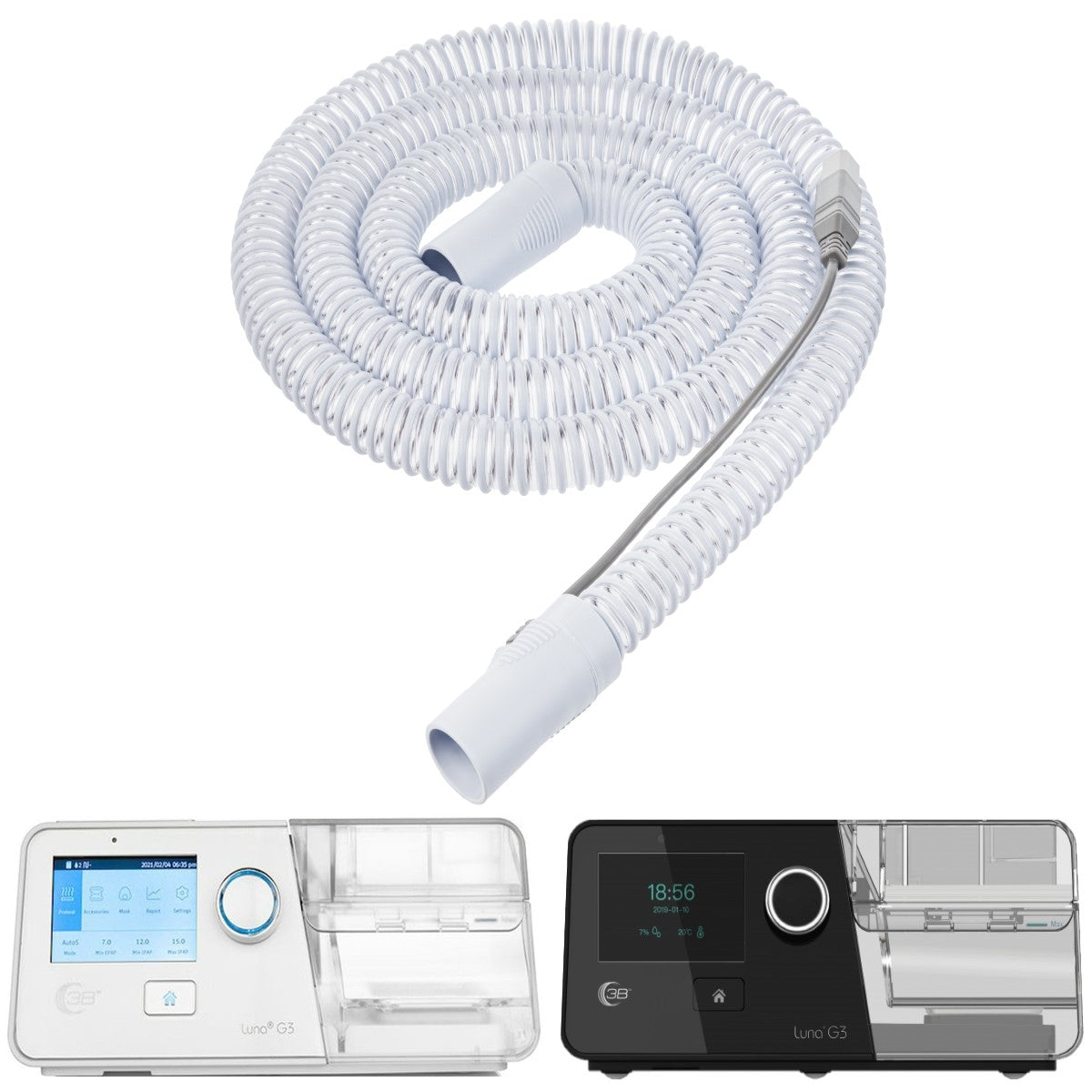
  • Integrated heated tubing keeps air flow warm and moist and prevents rainout condensation.
  • Quick and easy data transfer lets you send sleep data to your doctor or store it in the cloud.
  • Accessory and supply reminders keep you and your treatment on track.
  • Quiet performance lets you and your bed partner sleep peacefully.

Included with this Purchase

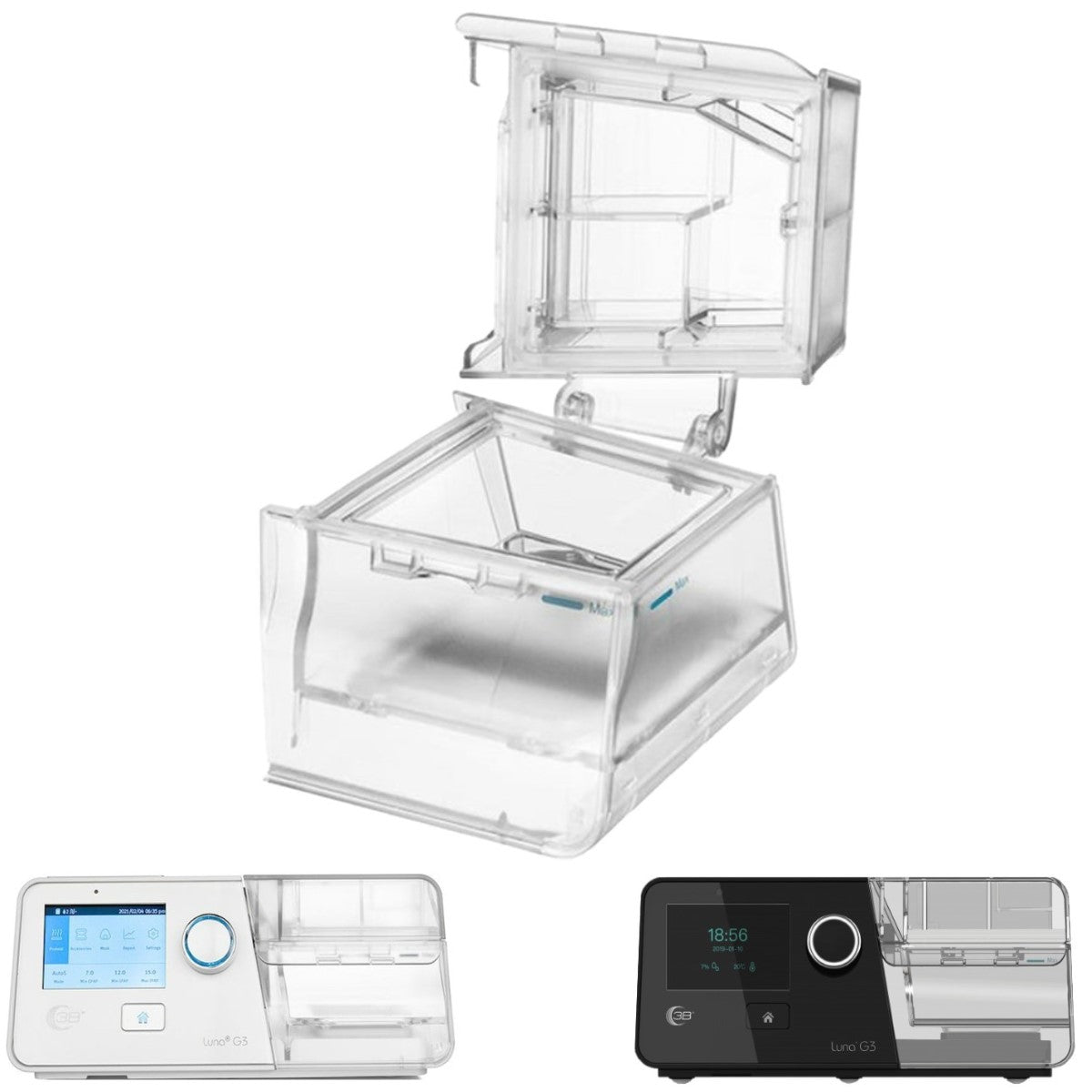
  • (1) Luna G3 Auto CPAP with Humidifier
  • (1) Water Chamber
  • (1) Luna Foam Filter
  • (1) CPAP Tubing Hose
  • (1) Luna G3 Power Supply with Power Cord

Recommended Replacement Schedule

  • Filters: Every 1-3 Months (or as needed)
  • Hose Tubing: Every 3-6 Months (or as needed)
  • Complete Mask: Every 9-12 Months (or as needed)
  • Water Chamber: Every 3-6 Months (or as needed)
  • Mode of Operation: Auto Pressure CPAP machine
  • Pressure Range: 4cm to 20cmH20
  • Ramp Time: 0-45 minutes (5 minute increments)
  • Filters: Reusable Foam filters and disposable ultra fine filters
  • Actual Weight: 3.75
  • Dimensions: (mm): 265 x 145 x 114
  • Altitude Compensation: Yes
  • Warranty: 2 Years
  • Insurance Codes: E0601, E0562, A7037, A7038, A7039
  • US Shipping Cost: Free
  • Rx Required?: Yes, when applicable to US residents
  • International Shipping: Yes

Q: How do I change the settings on my Luna G3 PAP Device?
A: Changes to your therapy settings including patient pressure must be handled by your physician or supplier, please reach out to them to discuss any needed changes to your therapy.

Q: I am concerned about the type of foam used in your devices because of the June 2021 Recall of some Philips PAP devices. Do you use the same type of foam in your devices?
A: React Health does not use the same type of foam in the devices that were involved in the Philips recall.

Q: How do I clean my Luna Device?
A: Instructions for cleaning the Luna PAP devices can be found in your User Manual

Q: Does React Health offer an app for my device to track my progress?
A: Yes, the 3B Luna QR Code App. You can find instructions to download the app in the link below:

QR Code App Download Instructions (3bmedical.com)

Q: Do I have to pay to download the app?
A: The app is free to download for both iOS (Apple) and Android users.

Q: I am having trouble scanning my QR code, does this mean that my compliance data is not stored in my machine for my insurance company?
A: Compliance Data is stored internally in the machine. Your device will still record your data even if your QR Code does not work.


Q: Why do I get an invalid QR code message with I scan the QR code with the App?
A: There are 2 types of QR codes that can be displayed by the device. The regular QR code is a summary QR code that gives basic information. The QR+ code records detailed daily usage data. The detailed data found in the QR+ code is the information that is sent to our secure servers so your provider can review. You should be able to navigate to the QR+ code via the device menu and then use the Mobile App to scan the QR+ code.

Q: Why does the Mobile App sometimes flash and continue to scan when trying to scan a QR+ code?
A: The device will store and present up to 90 calendar days of data via the QR+ codes. Each QR+ codes contains roughly 40 days of data so when you have over 40 days of data the device needs to present 2 or possibly 3 QR+ codes. When the mobile app scans the 1st QR+ code it is encoded with a 1 of X. X can be 1, 2 or 3. If it is just 1 QR+ code, then the app will only scan once. If more than 1 is needed you will see flashing, which triggers the device to flip the 2nd and 3rd QR+ code. It is important that you continue to scan until the device has scanned all of the needed QR+ Codes

Q: My provider is asking me for my iCode. How do I find my iCode?
On the Luna G3 Devices you can follow the process below to find your iCode:

Accessing-Your-iCode-on-Luna-G3-Device-v.1.pdf (3bmedical.com)

Q: I received my compliance report but I would like more information on how to understand what everything means.
A: You can learn more about how to read and understand your reports by following the below link. Should you have specific questions related to your report or information on your report, please contact your care team. React Health cannot provide any interpretation of your specific report due to patient privacy laws.

Understanding-Compliance-Reports_CPAPAuto-CPAP_3B-ICCD-89.pdf (3bproducts.com)

Q: My Luna device came with a Black Filter, but my supplier sent me a white filter. Which one should I use?
A: Luna Devices are designed with ONE filter slot. Either the black (reusable) or White (disposable) filter can be used. You should not use BOTH filters at the same time.
Black Reusable Filters: can be washed according to directions found in the user manual. They are designed to be replaced every 6 months or when suggested by your care team.
White Disposable Filters are not designed to be washed. They are designed to be replaced approximately every 2 weeks or when suggested by your care team.


Q: How do I connect the Wi-Fi on my Luna Device?
A: Wi-Fi requires an optional Wi-Fi module. The first step would be to check with your provider to see if you have a Wi-Fi module. If you do, you can connect the Wi-Fi module on G3 devices by following the linked process below:

Connecting-Your-Luna-G3-Device-with-a-Wi-Fi-Module-v.1.pdf (3bmedical.com)