
Skip to product information
1 of 7

ResMed

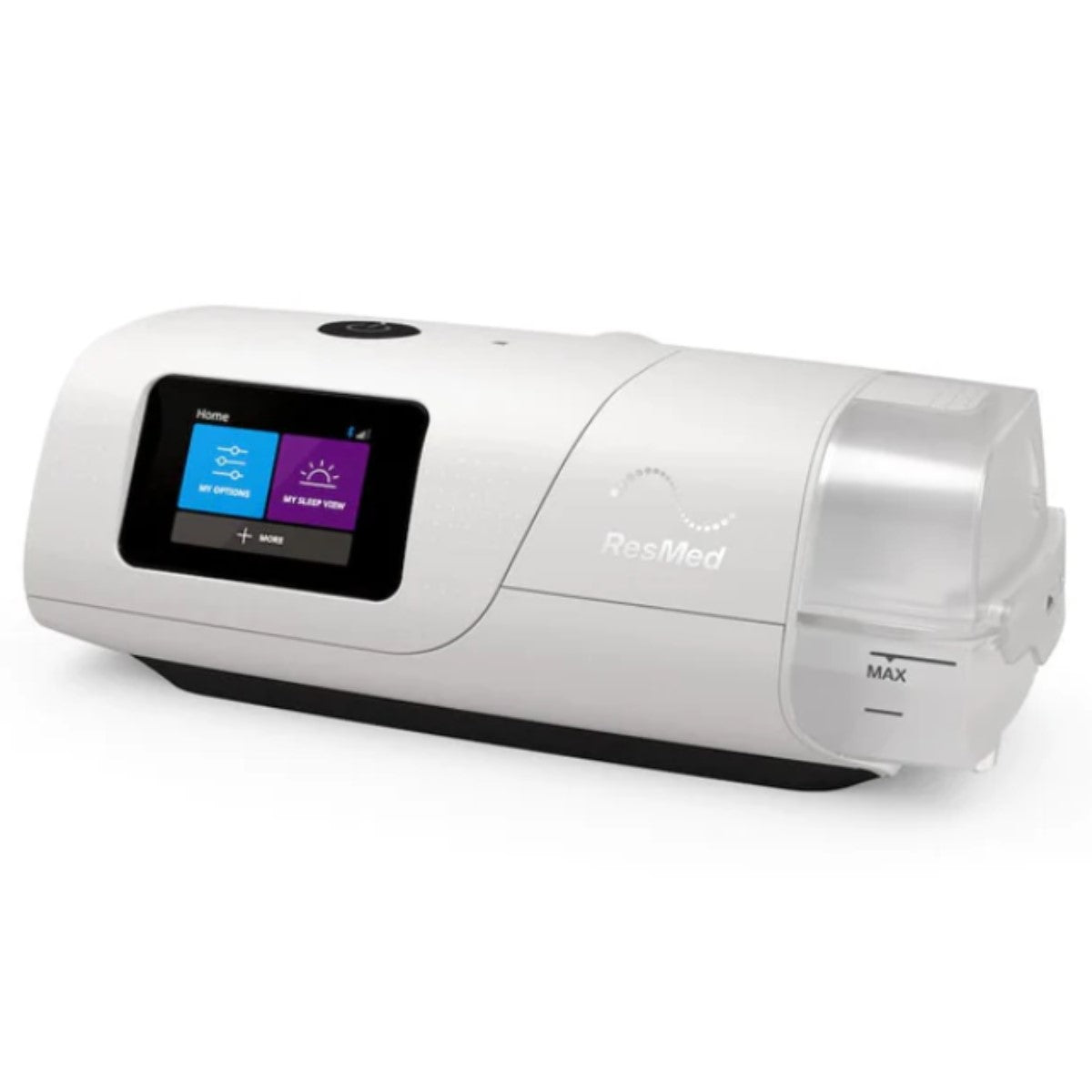
AirCurve 11 VAuto Bi-Level with HumidAir

AirCurve 11 VAuto Bi-Level with HumidAir

SKU:39018

Regular price $1,749.00 USD
Regular price Sale price $1,749.00 USD
Sale Sold out
Shipping calculated at checkout.
Quantity

View full details

ResMed AirCurve 11 VAuto with HumidAir

Copy of RX Required if Applicable to U.S Residents

The AirCurve 11 VAuto devices represent ResMed's latest advancement in bilevel therapy, designed to deliver personalized treatment for individuals with obstructive sleep apnea, central sleep apnea, mixed apneas, and periodic breathing. Utilizing the innovative VAuto algorithm, the device continuously monitors each user's unique breathing patterns and automatically adjusts settings to ensure effective and comfortable therapy throughout the night.

Bilevel therapy, utilizing the AirCurve 11 devices, delivers two distinct levels of support: inspiratory positive airway pressure (IPAP) and expiratory positive airway pressure (EPAP). This approach enhances comfort and adherence by closely mimicking natural breathing patterns. The AirCurve 11 series incorporates advanced features such as personalized coaching and sleep data tracking via the myAir app, adjustable trigger and cycle sensitivity settings, customizable TiControls, and Vsync technology for automatic leak management

Included with your AirCurve 11 VAuto

  • (1) AirCurve 11 VAuto Bi-Level Device
  • (1) Integrated HumidAir Humidifier
  • (1) SlimLine Standard Hose Tubing
  • (1) Power Supply
  • (1) Travel Carry Bag
  • (1) Disposable Filter

Recommended Replacement Schedule

  • Filters: Every 1-3 Months (or as needed)
  • Hose Tubing: Every 3-6 Months (or as needed)
  • Complete Mask: Every 9-12 Months (or as needed)
  • Water Chamber: Every 3-6 Months (or as needed)
  • Manufacturer: ResMed
  • Warranty: 180 Days. Extended Option Available
  • Insurance Code: E0470, E0562, A7037
  • Product Weight: 2.75 lbs.
  • Product Dimensions: 10"L x 4.6"W x 5.91"H
  • Noise Level: 26.6 dBA
  • Humidification: Built-in heated humidifier
  • Heated Hose Option: Optional, Standard Tubing Included
  • Pressure Range: 4-20 cm/H2O (CPAP); 2-25 cm/H2O (S, VAuto)
  • Ramp Time: 0-45 minutes.
  • Starting Ramp Pressure: 4 cm/H2O
  • AC Input: 100-240V, 50-60Hz
  • AC Power Supply: 90W
  • DC Converter: Yes, Capable
  • FAA-Approved: Yes
  • Altitude Adjustment: Automatic up to 8500 ft
  • Compatible with All Masks: Yes
  • Travel Case Included: Yes
  • Filters: Included
  • Mode(s) of Operation: CPAP, S, VAuto
  • Auto Start: Yes
  • Leak Compensation: Yes
  • Smartphone App: ResMed myAir app (Not for C2C models)
  • AHI Display: Yes
  • Bluetooth Available: No
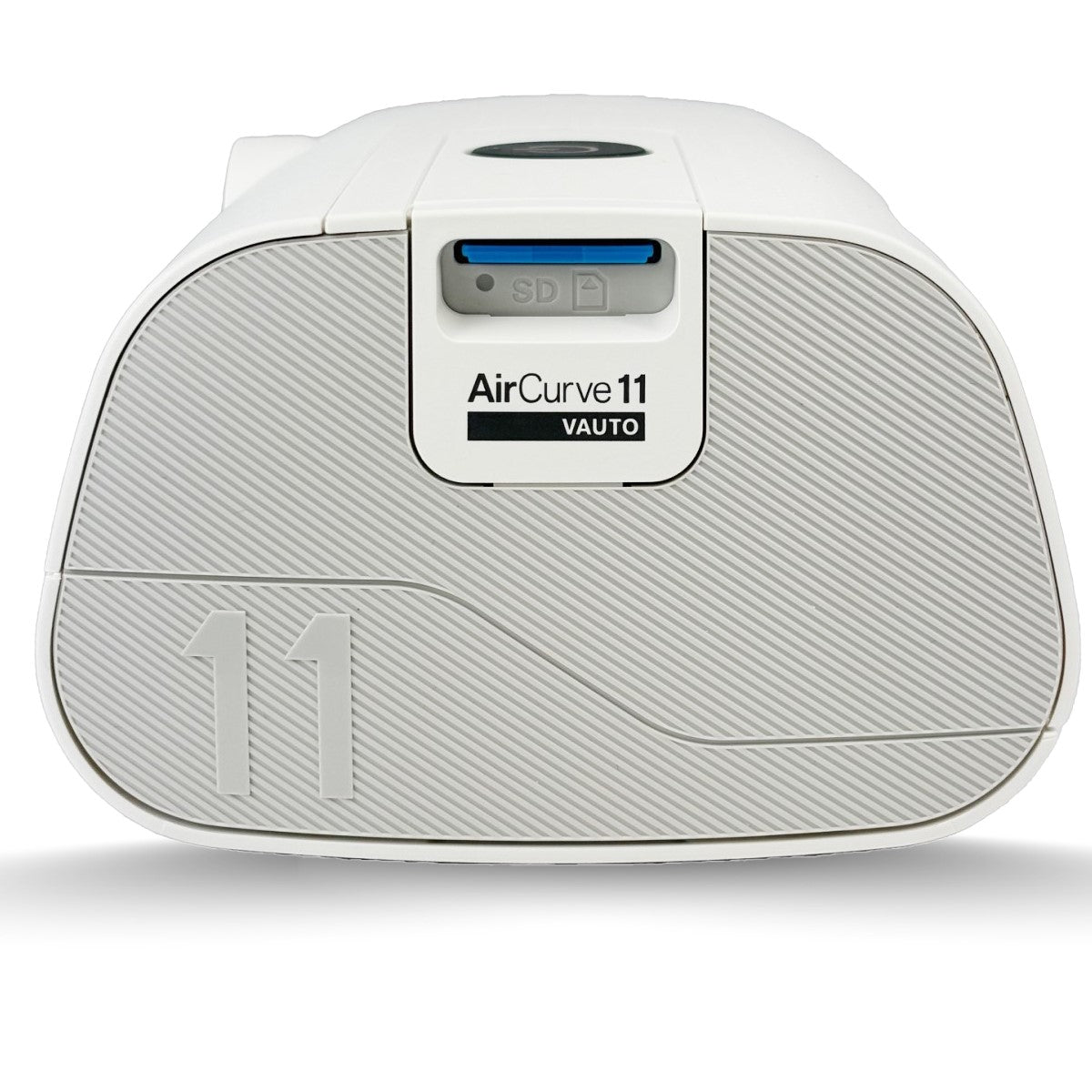
  • Data Download: Yes, via SD card
  • Data Storage Capacity Optional SD card (2GB): 365 days summary data, 30 days detailed data; Machine internal storage: 365 days summary data

How Do I Access the Comfort Settings on the AirSense/AirCurve 11?

On your AirSense/AirCurve 11 machine, use the touchscreen to go to My Options to see your current settings. From here, you can personalize your options.

How Do I Adjust the Humidity?

In My Options, select Humidity Level. Scroll and select the desired humidity level. The humidifier moistens the air and is designed to make your therapy more comfortable. With the Climate Control Auto setting, both temperature and humidity are automatically preset at levels designed for maximum comfort. If you have a ClimateLineAir™ heated tube, all you have to do is plug it in and press Start. Note: ClimateLineAir heated tubing is required to use Climate Control Auto. You can also manually set the Humidity Level to Off or between 1 and 8, where 1 is the lowest humidity setting and 8 is the highest humidity setting. If you’re getting a dry nose or mouth, turn up the humidity. If you’re getting any moisture in your mask, turn down the humidity.

How Do I Adjust My Ramp Time Setting?

In My Options, select Ramp Time and adjust to your preferred setting. Ramp Time is the period during which the pressure increases from a low start airflow pressure to your prescribed treatment pressure. You can set your Ramp Time to Off, from 5 to 45 minutes or Auto. When Ramp Time is set to Auto, the device will detect when you have fallen asleep and then gradually increase to the prescribed treatment pressure.

Can I Use an Ozone Device to Clean My CPAP?

It has been observed that prolonged and repeated use of an ozone device may eventually cause internal damage to a CPAP machine, leading to an increase in motor noise. The limited warranty excludes damage to CPAP machines caused by use of ozone devices.

How Often Should I Replace my CPAP Parts?

It’s important to regularly inspect, clean and replace your CPAP supplies, which can be affected by dirt and general wear. You should regularly check the water tub, air tubing and air filter for any signs of wear or damage. Here are some tips for your CPAP parts:

Humidifier Water Tank:

  • Replace if it begins leaking or has become cracked, cloudy or pitted.
  • Replace if the seal is cracked or torn.
  • Remove any white powder deposits using a solution of one part household vinegar to 10 parts water.

CPAP Hose Tubing

  • Replace if there are any holes, tears or cracks.

Air Filter

  • CPAP air filters can wear out or become clogged over time, potentially exposing you to airborne particles, mold and bacteria. We recommend checking them twice per month.